

Upload a file
- Select Upload Resume.
- Enter a Resume Title.
- Drop a file or select it from your computer. PDF, DOCX, TXT, and MD are supported, up to 5 MB per file.
- Select Upload, then confirm the content and save as prompted.
- Return to the list and select Preview to check the text.
Enter text manually
In the upload window, choose Switch to manual entry, enter a title, paste your text, and save. Include your target direction, main experience, recent responsibilities, two or three representative projects, skills, education, and languages. Describe project background, your actions, and the outcome.Preview and edit
Select Preview to read the content or Edit to update and save it. Choose the appropriate version in the Resume menu when launching. Use the delete action for materials you no longer need, checking the selected item and confirmation first.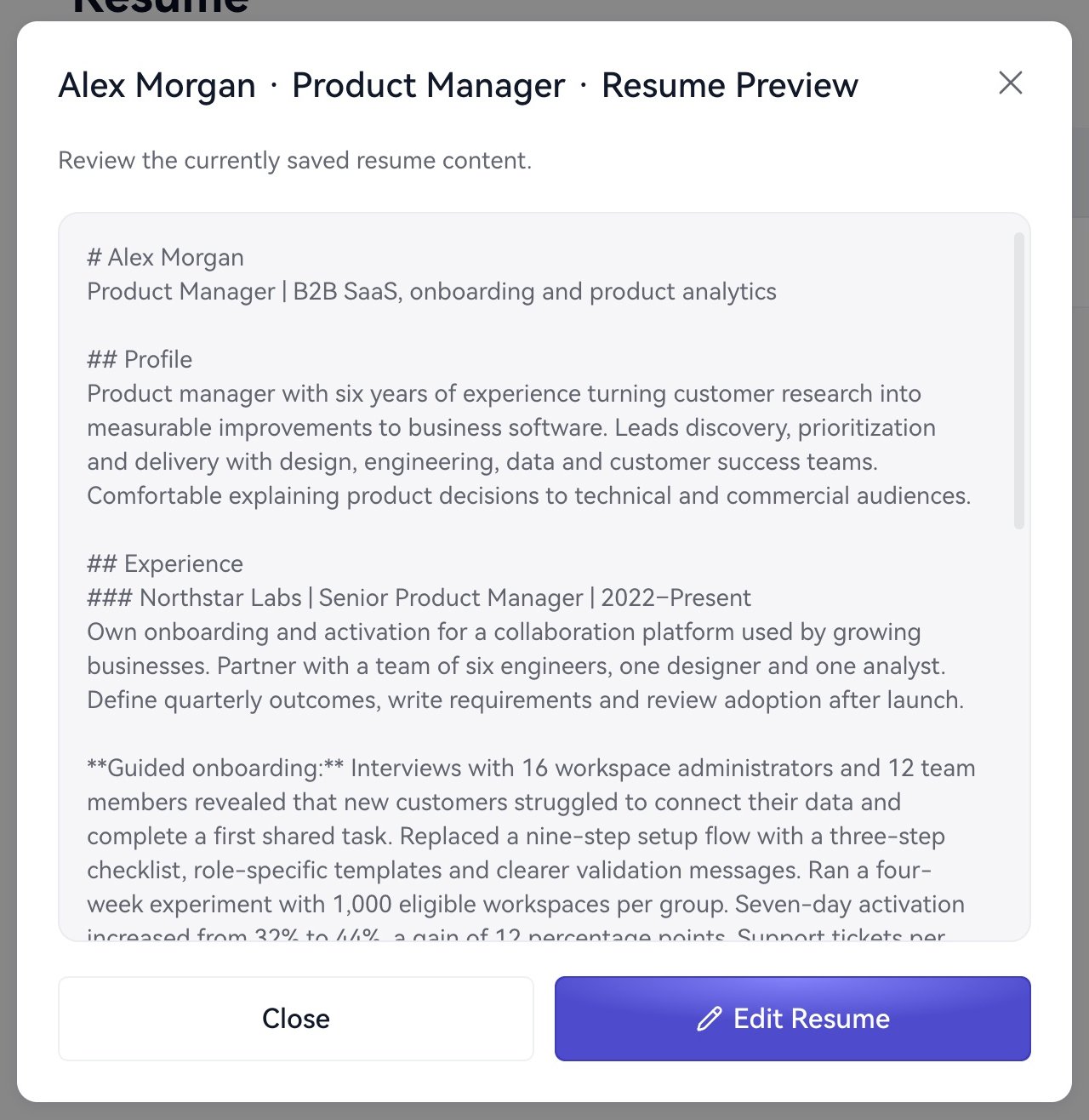
Preview your saved resume.