Select Chat in the toolbar to open the question box. Use it to add context, request a structure, or explore a topic.

Send a question

  1. Open Chat.
  2. Describe your task and desired output.
  3. Select Send.
  4. Read the question and response in the answer area, then send follow-ups as needed.
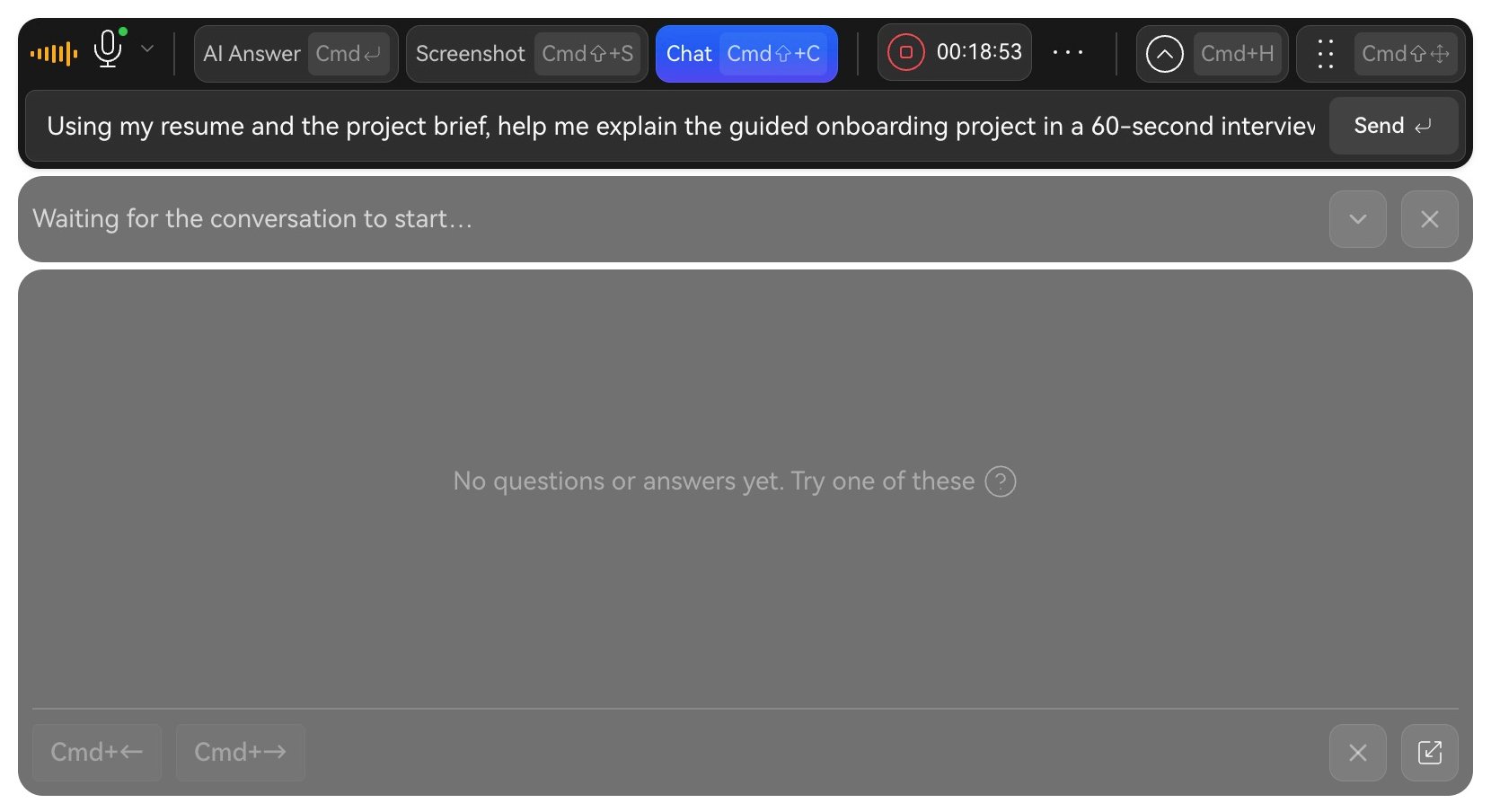
Live assistant with Chat open and an English question requesting a 60-second project answer.

Use Chat to add a specific question.

Use previous and next controls to review answers. After ending, open Interview Records → View Report → Q&A.

Questions to try

Structure: “Give me three points for introducing a user activation project in a product manager interview. Provide a general framework.” Calculation: “The control and treatment groups each have 1,200 people, with 372 and 564 activated. Calculate activation rates, absolute uplift, and relative uplift, and explain the difference.” Follow-ups: “Give me three follow-up angles on ‘Why did you choose this solution?’ and the evidence each answer needs.” Documents: “Using the document selected for this session, summarize project goals, metrics, and lessons. Mark details the material does not specify.” Check facts before adapting suggestions to your own experience. Next: Practice or Review Q&A.