

Add a role
- Select Add Role.
- Enter a Role name, such as “Senior Product Manager.”
- Paste the job description into Role requirements, keeping responsibilities, qualifications, and interview priorities.
- Add the Company (optional) if needed.
- Select Save. The role appears in the list and on Home.
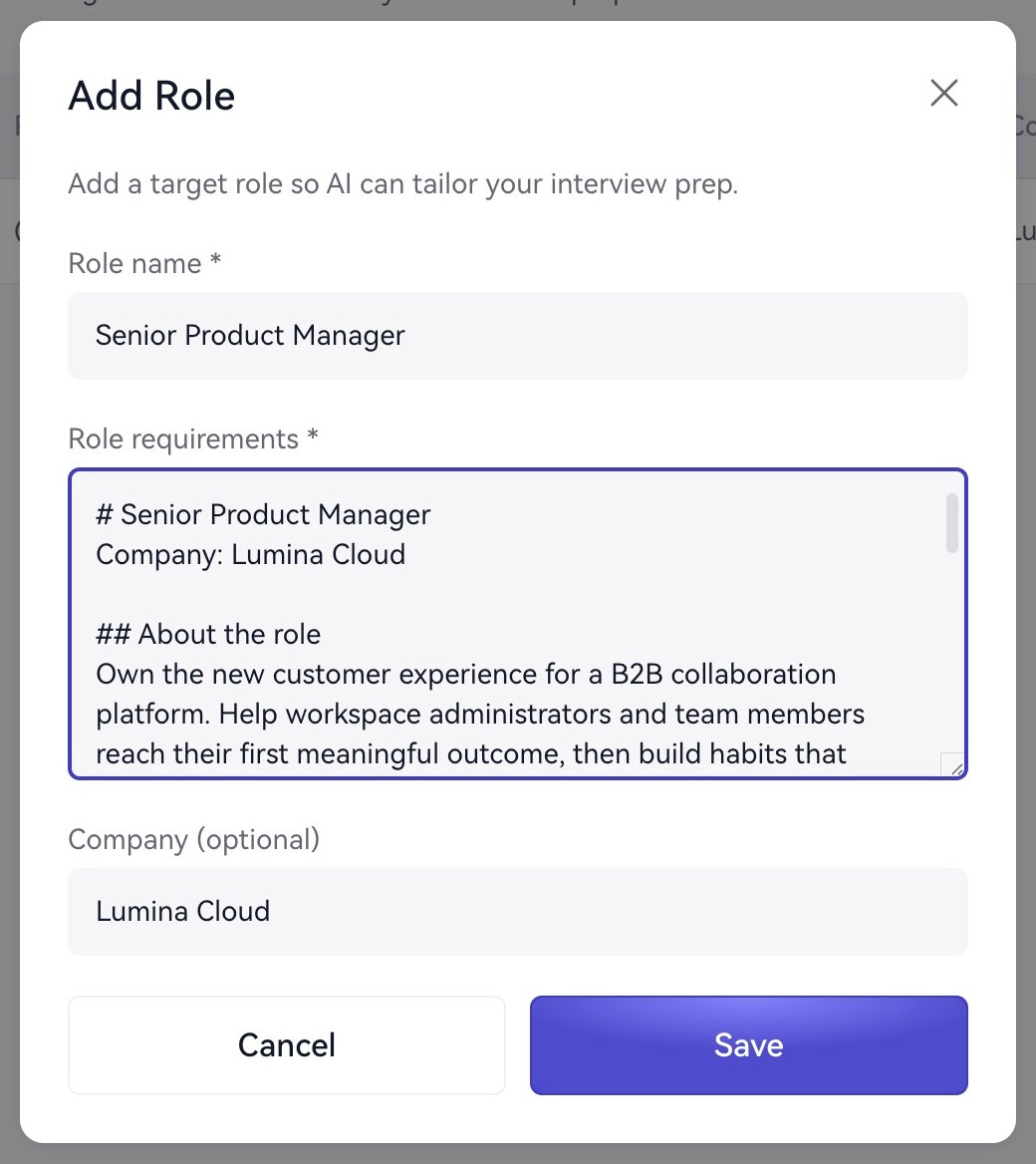
Add a target role and its requirements.
Organize requirements
Prioritize the business or product, problems to solve, skills, experience level, collaborators, and seniority. Remove recruiting copy that does not help preparation.Own enterprise customer activation and retention, define funnel metrics, and drive experiments. Bring B2B SaaS experience and work with engineering, design, sales, and customer success. Interview priorities include trade-offs, analysis, and collaboration.