The Knowledge Base holds supplementary materials beyond your resume, such as project context, company research, industry knowledge, and prepared Q&A.

Upload documents

  1. Select Upload Documents in the workspace Knowledge Base.
  2. Choose PDF, DOCX, TXT, or MD files, up to 5 MB each.
  3. Confirm the file list and submit as prompted.
  4. Check names, sizes, and upload times in the list.
  5. Select Edit to review content and change the name or text as needed.
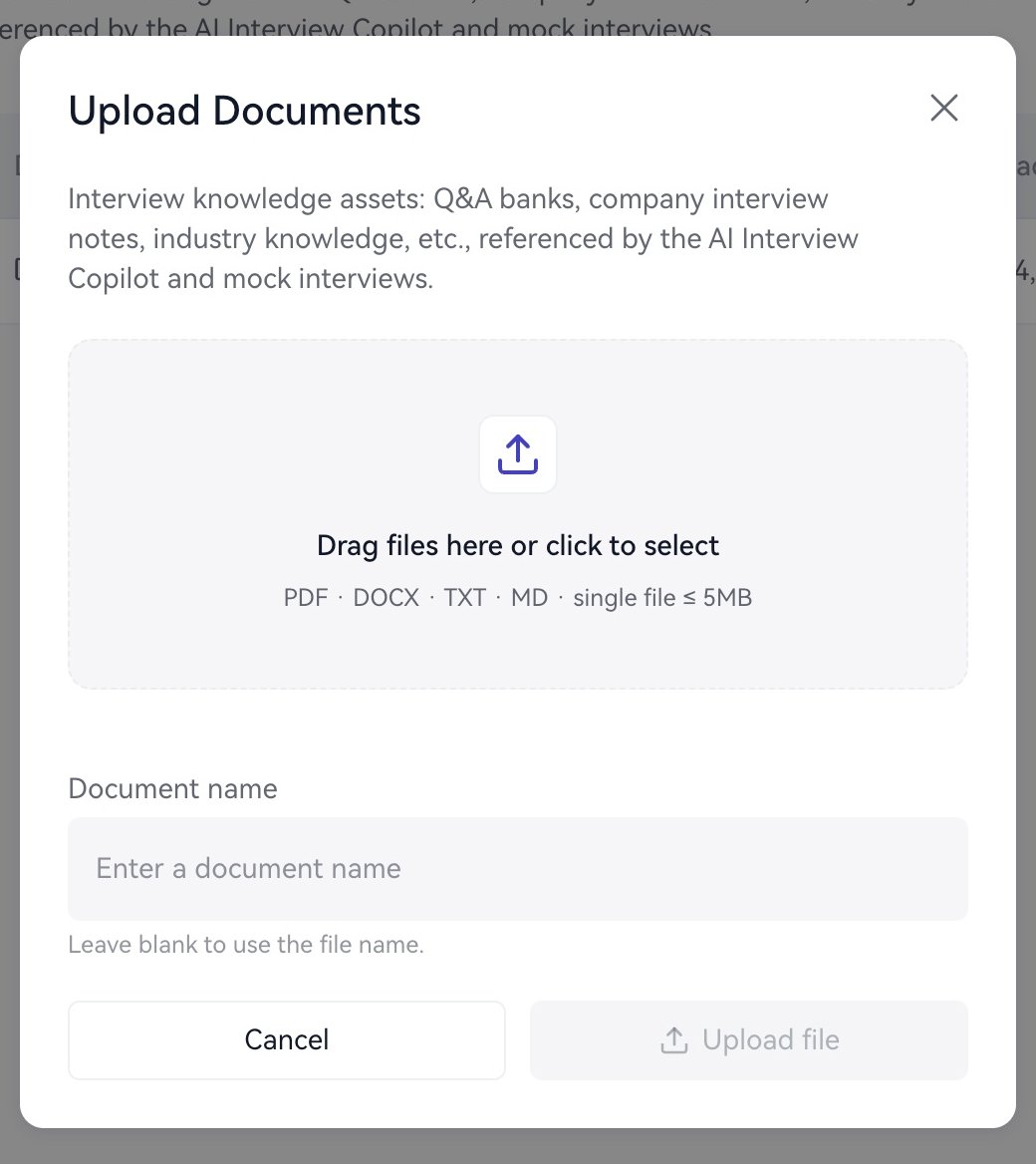
Upload Documents dialog with file selection and document name controls.

Upload a project brief to the Knowledge Base.

Organize content

Give each document a clear subject. Describe projects in the order background, responsibility, actions, results, and reflection. For metrics, specify the definition, denominator, period, and unit. For example, “14-day activation, 1,200 organizations per group, rising from 31% to 47%” gives more useful context than “significant improvement.”

Use in a session

Open Home → Launch Copilot → Document (optional) and select the relevant document. Choose No document if none is needed. Check the selection before each session. Start with a specific text question to become familiar with the material and answer style. Next: Prepare materials or Text chat.